Artists Mike Hernandez and Tiffanie Mang share tips on how digital painting tools can enhance your plein air practice — making you faster, bolder, and more inventive in the field.
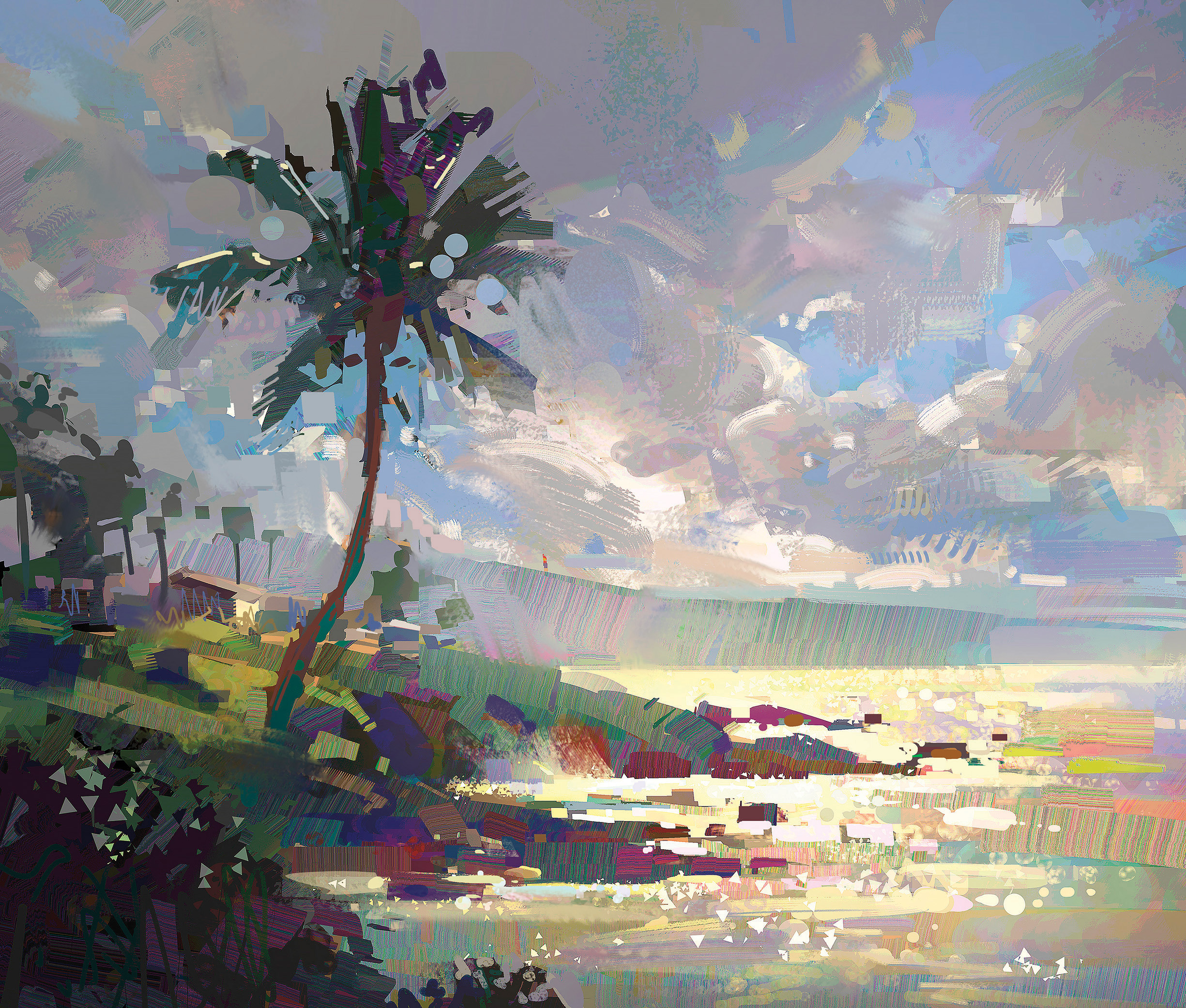
- Quick Notan Studies: Use a tablet to create fast black-and-white notans. Digital tools let you explore dozens of design options in minutes without burning through paper or paint.
- Color Calisthenics: Practice mixing and testing color schemes digitally before committing to canvas. It’s a low-pressure way to train your eye for temperature shifts and light effects.
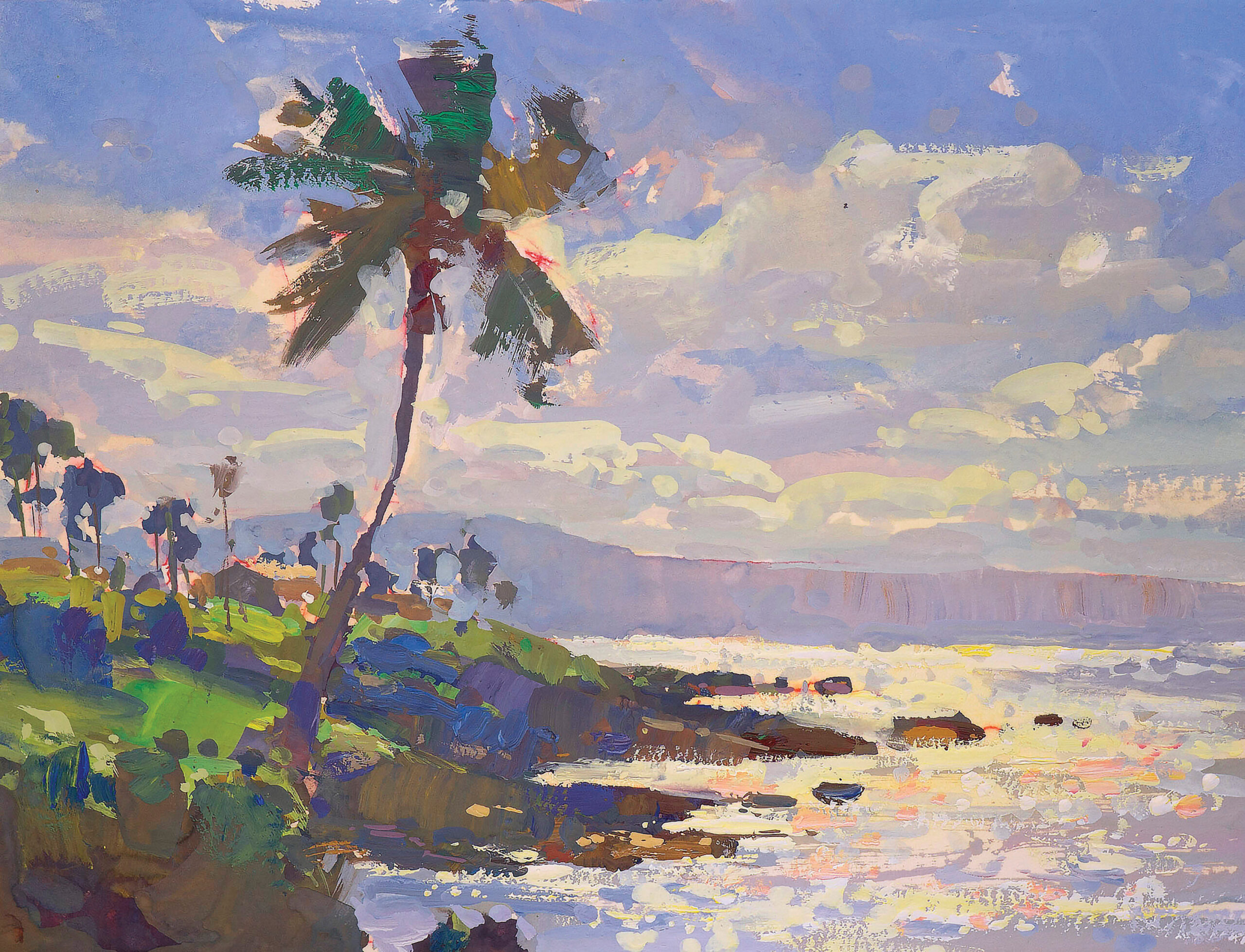
- On-the-Spot Color Notes: Apps like Procreate, Infinite Painter, or Heavy Paint are perfect for jotting down color impressions in the field. These studies can be used as references for gouache or oil studio work.
- Composition Experiments: Scan a plein air sketch or painting into Photoshop and play with cropping, rearranging shapes, or shifting lighting. The undo button encourages risk-taking.
- Efficient Iteration: Digital platforms let you workshop multiple versions of a scene quickly. By the time you pick up a brush, you already know which design choices work best.
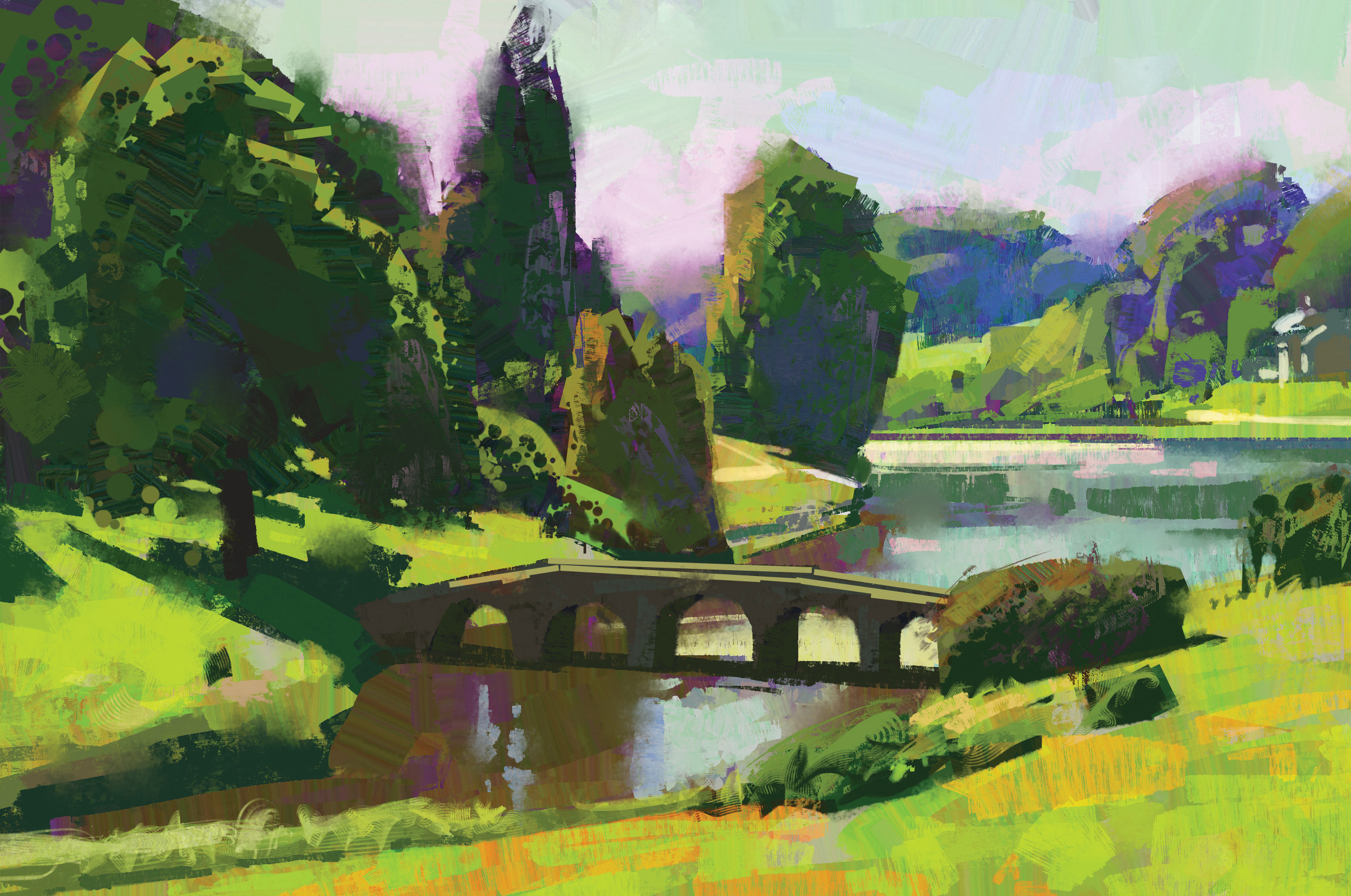
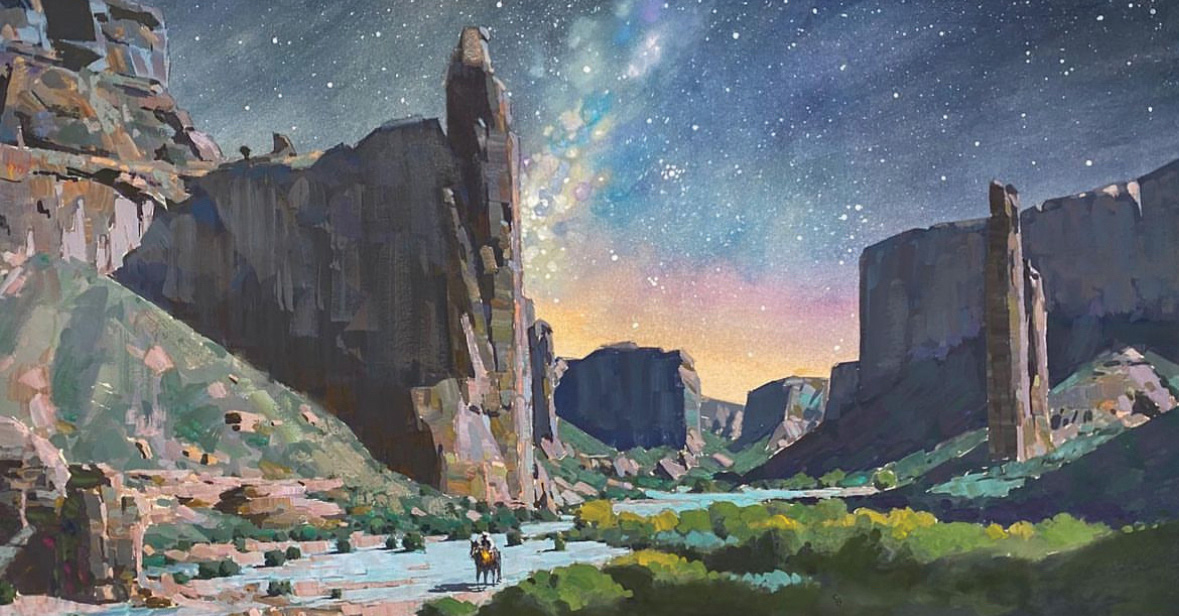
Essential Digital Painting Tools and Software
For artists new to digital painting, the variety of software and hardware options
can be overwhelming. Hernandez and Mang share their recommendations:
- Photoshop: The industry standard for professional digital painting, favored by Hernandez for its extensive features and flexibility. It’s especially suited for studio work requiring adjustments and layers. (Think of layers as transparent sheets stacked like tracing paper. Each holds a part of your image — sky, tree, or figure —that you can adjust independently. Layers give painters the freedom to revise and experiment, with infinite do-overs.)
- Procreate: A highly intuitive and affordable app for iPad users, favored by acclaimed oil painter John Burton and others for quick studies and on-the-go painting.
- Infinite Painter: Championed by Mang for its brush variety, color wheel features, and ability to import references directly on the canvas, enhancing the painting experience on tablets.
- Heavy Paint: A minimalist painting app offering a more traditional feel and limited layers, which Mang appreciates for its simplicity and graphic capabilities.
- A pressure-sensitive stylus is essential for mimicking traditional brushstrokes. While painting with fingers is possible, Hernandez and Mang note that a stylus offers far better control and a more natural experience. For those put off by the tablet’s slick glass surface, screen protectors or specialty pen tips can add paper-like feedback, though many artists adapt quickly to the standard setup.
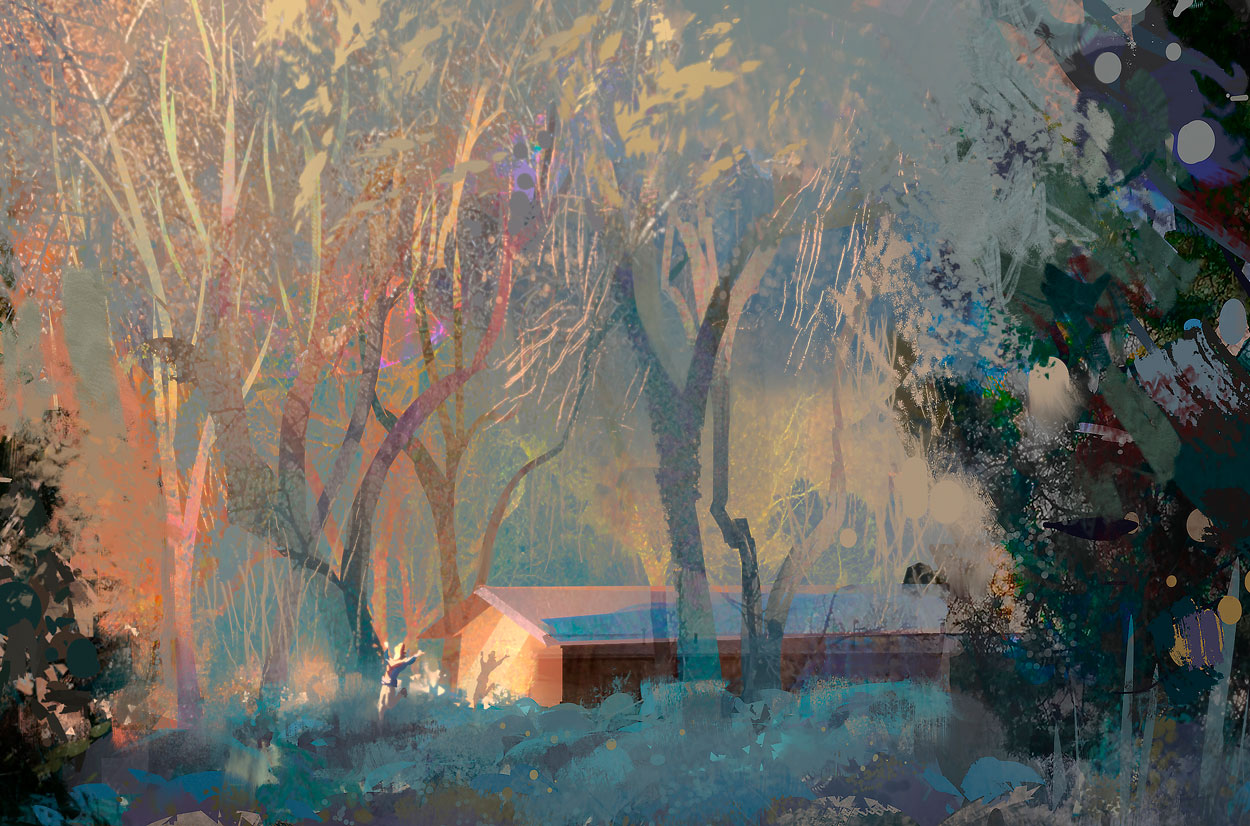
Transform your skills at the next Plein Air Live online art conference! Plein Air Live gives you invaluable insights and live demonstrations from some of the world’s best plein air artists. Learn more at PleinAirLive.com.
Browse more free articles here at OutdoorPainter.com
Story prepared for the web by Cherie Dawn Haas, Editor of Plein Air Today